Multi-Currency Gift Cards for Shopify – SOLVED!
We know you’ve been waiting for this – Givy delivers!
What’s the problem we’re solving?
Merchants using Shopify Markets who sell in multiple currencies may also offer gift cards to their customers. When customers browsing in a non-default currency go to buy a gift card, they run into several issues. Here’s how we solve them:
Ugly currency conversion
If you have a store with a default currency in Euros, and a customer is purchasing a gift card in Pounds, instead of choosing a nice round amount like £100, they’ll buy something converted like £87.23.
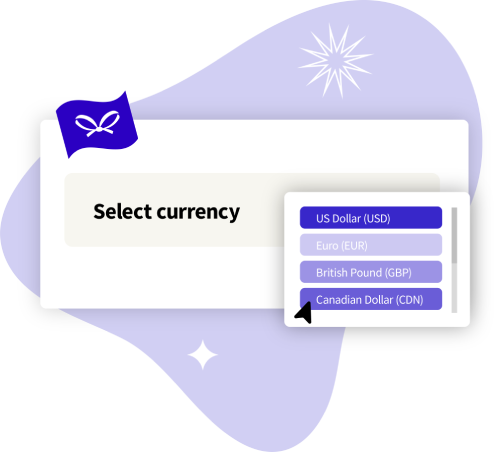
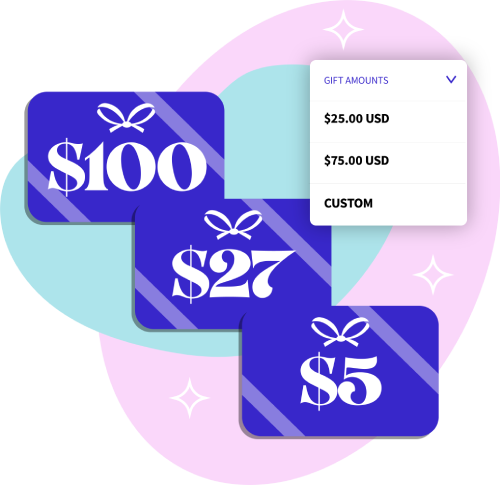
Givy solves this by displaying round gift card denominations that you choose in all your supported currencies. This way, customers can purchase a gift card for £100, €100, $100, or anything else you support!
Emails sent in default currency
Not only will customers see an ugly converted gift card amount in their cart and at checkout, but when they receive an email with the gift card amount, it will be in your store’s default currency. This is extremely confusing for customers.
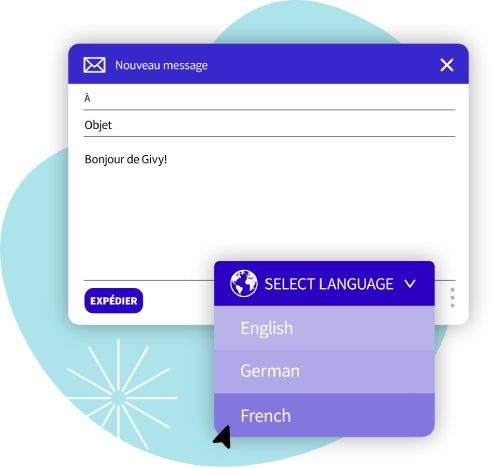
Givy sends gift card emails using the customer’s selected currency. If they buy a £100 gift card, that’s what they’ll see in all their communications.
Changing balances
Sticking with our example, if your store is in Euros, and they purchase a €100 gift card, they get charged £87.23 at checkout, but days later, that gift card might be worth £86.94 instead. This is because the gift card is always represented in your default currency, and the conversion rate can change every single hour.
Givy prevents this by scanning currency exchange rates on a constant basis, and updating the customer’s gift card balance so that they always get the amount they paid for – in their chosen currency. That means recipients will never have less than they paid for!

Rounding issues
If you use Shopify Markets, you might have currency rounding enabled for different currencies. This is so that customers see nice round numbers instead of random converted ones.
The issue is that gift cards are usually rounded as well. This means not only are customers not getting the amount they paid for, but they’re overpaying for the rounded amount.
Givy fixes this by showing all amounts as nice round denominations in the customer’s selected currency – no auto-rounding, no confusion.
Incorrect check balance
When customers visit your “Check balance” page, the balance will be displayed in your default currency if you’re using regular Shopify gift cards (or other gift card apps).
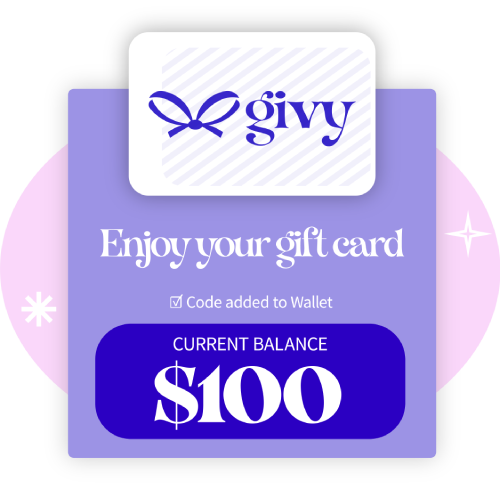
Givy always shows the balance in the currency the card was purchased in, reducing any customer confusion.